
Your clip. A new world.
Restyle a short video with AI-assisted scenes and effects.
Download on the App StoreIn-app purchases available.

A new direction for a clip you already shot.
Choose a short clip, describe a change and review the result.
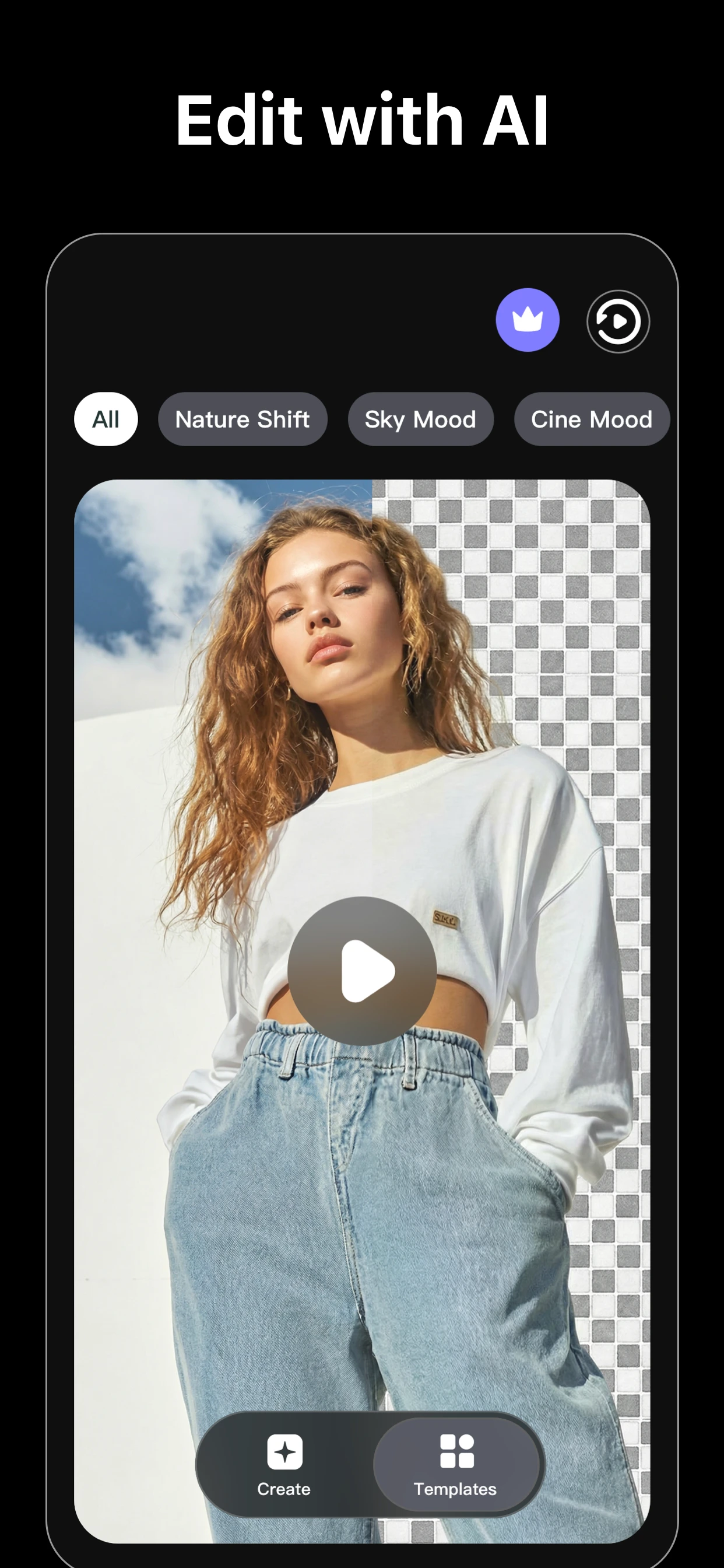
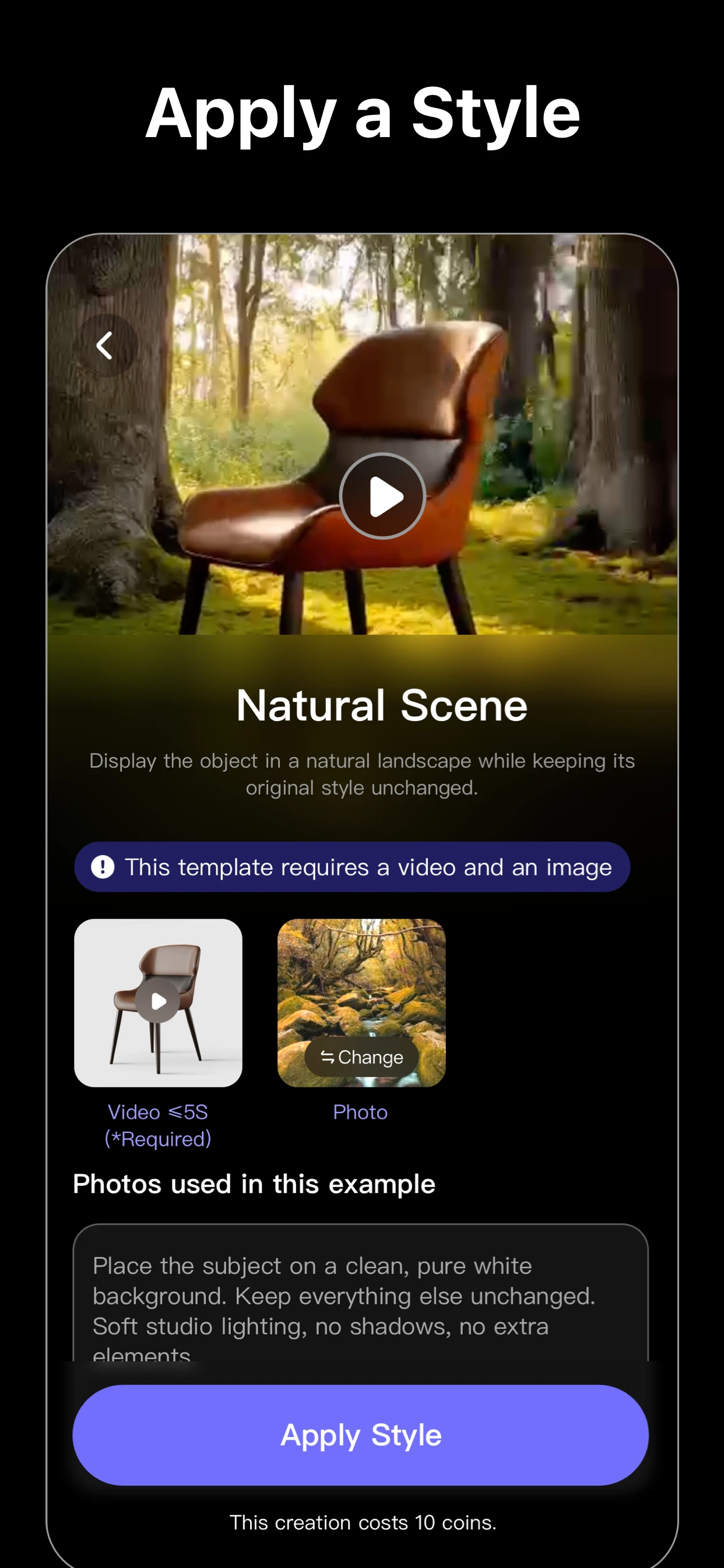
Start with your own footage.
Choose a short clip
Select a video and follow the app’s current input limits.
Describe a change
Try a template or write a focused prompt.
Review the new version
Check the generated clip before saving or sharing.
Current App Store artwork. Results vary.
One change, a new direction.
Explore a style, a scene or a background. Keep the idea focused and review the result.
Explore the video guidesStart with the clip you have.
Before your next take.
Need help? Visit Support.
What does VE Video Effects do?
It uses AI to restyle a short clip you provide, guided by a prompt or template.
Does VE Video Effects include purchases?
Some features require an in-app purchase. Availability and prices depend on the current offer and region. Review the details in the app before purchasing.
Can I edit videos on this website?
Edit videos in the VE Video Effects app. This website provides product information, guides and support.